
openvpn (2.6.16.1)
Installation
dotnet nuget add source --name mtec --username your_username --password your_token dotnet add package --source mtec --version 2.6.16.1 openvpnAbout this package
OpenVPN is a full-featured open source SSL VPN solution that accommodates a wide range of configurations, including remote access, site-to-site VPNs, Wi-Fi security, and enterprise-scale remote access solutions with load balancing, failover, and fine-grained access-controls.
Features
- Tunnel any IP subnetwork or virtual ethernet adapter over a single UDP or TCP port
- Configure a scalable, load-balanced VPN server farm using one or more machines which can handle thousands of dynamic connections from incoming VPN clients
- Use all of the encryption, authentication, and certification features of the SSL library to protect your private network traffic as it transits the internet
- Use any cipher, key size, or HMAC digest (for datagram integrity checking) supported by the SSL library
- Choose between static-key based conventional encryption or certificate-based public key encryption
- Use static, pre-shared keys or TLS-based dynamic key exchange
- Use real-time adaptive link compression and traffic-shaping to manage link bandwidth utilization
- Tunnel networks whose public endpoints are dynamic such as DHCP or dial-in clients
- Tunnel networks through connection-oriented stateful firewalls without having to use explicit firewall rules
- Tunnel networks over NAT
- Create secure ethernet bridges using virtual tap devices
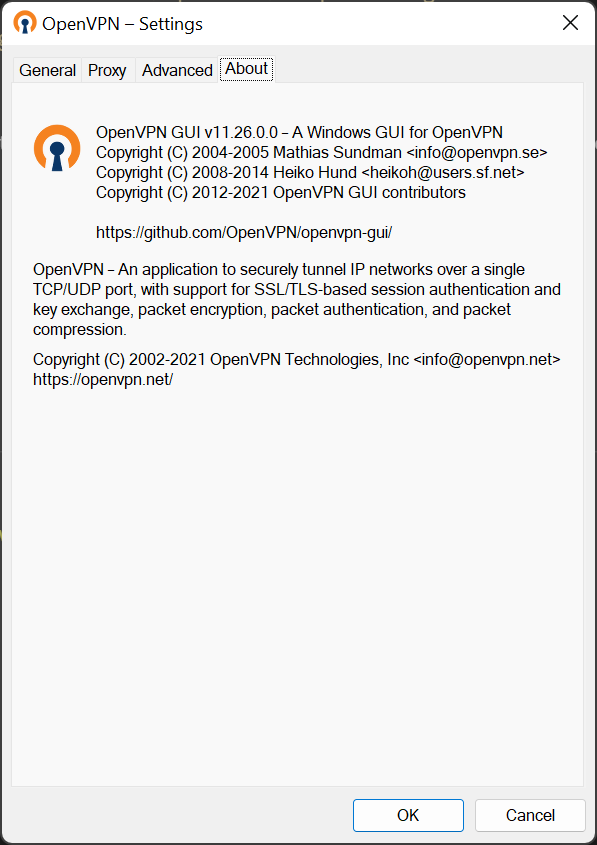
- Control OpenVPN using a GUI
Package Parameters
If any package parameters are supplied no defaults will be used - only supplied parameters will be applied. The following package parameter can be set:
/InstallDir- install OpenVPN to the specified folder/AddToDesktop- add a desktop shortcut for the OpenVPN GUI/NoStartMenu- do not create start menu entries for OpenVPN/Gui- install the OpenVPN GUI by Mathias Sundman/GuiOnLogon- launch the OpenVPN GUI on user logon/Service- install OpenVPN service wrappers/EasyRsa- install EasyRSA 3 scripts for X509 certificate management/DcoDriver- install the OpenVPN Data Channel Offload driver/TapDriver- install the TAP-Windows driver (NDIS6)/WintunDriver- install the layer 3 TUN driver for Windows/PLAP- install Pre-Logon Access-Provider/Documentation- install the OpenVPN documentation/OpenSSL- install OpelSSL utilities for generating public/private key pairs/SampleConfig- install OpenVPN client/server configuration examples
eg. choco install -y openvpn --package-parameters="/InstallDir=C:\Tools\OpenVPN /AddToDesktop /Gui /GuiOnLogon /EasyRsa /DcoDriver /TapDriver /WintunDriver /OpenSSL"
An installation with no parameters specified will use the same defaults as the installer other than creating a desktop shortcut:
choco install -y openvpn --package-parameters="/Gui /GuiOnLogon /TapDriver /WintunDriver /Documentation /OpenSSL /SampleConfig"
To have Chocolatey remember parameters on upgrade, be sure to set choco feature enable -n=useRememberedArgumentsForUpgrades.
Documentation
- For detailed information on OpenVPN, including examples, see the man page, the WIKI or the community resources
- For a sample VPN configuration, see http://openvpn.net/howto.html
Notes
- The 32-bit version of OpenVPN will not run in a 64-bit environment and the installation will fail if forced with
--forceX86 - This package is automatically updated using the Chocolatey Automatic Package Update Model (AU). If you find it is out of date by more than a day or two, please contact the maintainer(s) and let them know the package is no longer updating correctly.